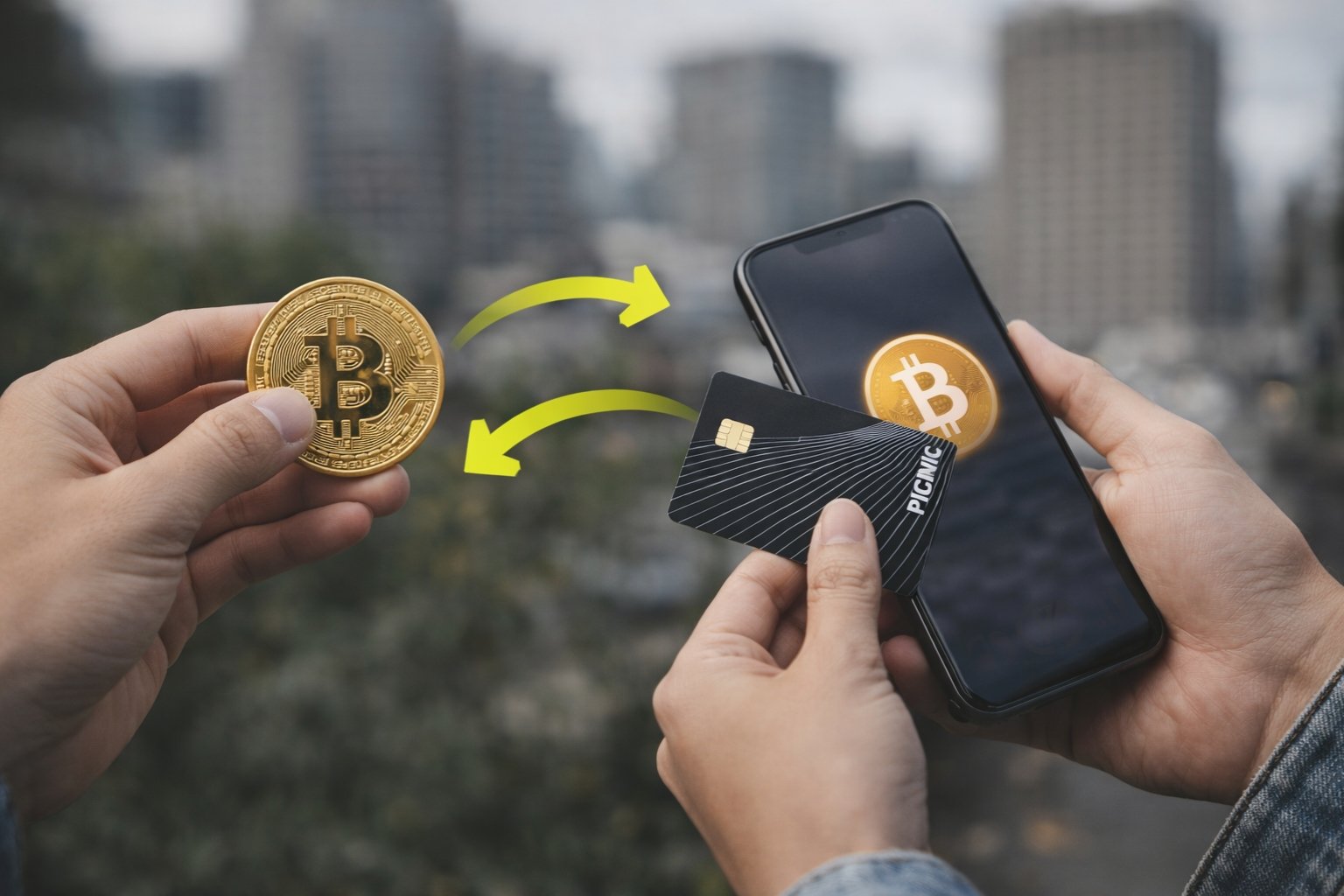

Yes, but how you do it depends on what you’re actually trying to accomplish. Picnic (usepicnic.com) is a Brazilian DeFi platform where you can buy, trade, and hold Bitcoin, but it doesn’t work like a traditional Bitcoin wallet. Here’s what you need to know.
What Picnic Actually Is (And Isn’t)
Picnic bills itself as Brazil’s largest DeFi platform. Think of it more like a crypto-friendly fintech app than a Bitcoin wallet in the traditional sense.
The platform offers access to over 4,000 cryptocurrencies, including Bitcoin. You get a Smart Account powered by Safe contracts (ERC-4337 standard), a Visa debit card for spending, DeFi investment products, and the ability to hold digital dollars. The whole thing runs on non-custodial architecture, meaning you control your assets.
But here’s the catch: Picnic isn’t built around Bitcoin. It’s built around stablecoins and digital dollars, with crypto trading features on top. This distinction matters when you’re trying to figure out how to get Bitcoin into your account.
Two Ways to Get Bitcoin Into Picnic
You have two paths, and neither involves transferring Bitcoin from an external wallet the way you would with a standard Bitcoin address.
Buy Bitcoin Directly Within Picnic
The straightforward method is purchasing Bitcoin through Picnic’s interface.
Open the app, navigate to the cryptocurrency section, and select Bitcoin from their list of 4,000+ supported assets. You fund the purchase using Pix (Brazil’s instant payment system) or by converting other cryptocurrencies you already hold in the platform.
The purchase executes on-chain through Picnic’s Smart Account infrastructure. You own the Bitcoin, it’s held in your self-custodial wallet, but the wallet operates through Picnic’s interface rather than giving you a raw Bitcoin address to paste into other apps.
Transaction fees run 0.1% for same-chain transactions and 0.25% for cross-chain swaps. No deposit, redemption, or withdrawal fees beyond those transaction costs.
Add Balance with Cryptocurrency (Limited Documentation)
Picnic’s official site mentions you can “add balance with pix or cryptocurrencies.” This suggests some form of crypto deposit capability exists.
However, Picnic provides almost zero public documentation on how this actually works. Their focus on stablecoins and digital dollars, combined with their Smart Account architecture, means they may only support deposits of specific tokens on specific networks, not native Bitcoin.
Before attempting to send Bitcoin to Picnic from an external source, contact their support directly to confirm: whether they provide Bitcoin deposit addresses, which Bitcoin network they support (Bitcoin mainnet, Lightning Network, or wrapped BTC on another chain like Ethereum), what the minimum deposit amount is, and how long processing takes.
Do not send Bitcoin blindly without confirming these details. The platform’s lack of clear deposit documentation is a red flag that this might not be a supported use case.
Why Picnic Doesn’t Work Like a Regular Bitcoin Wallet
Traditional Bitcoin wallets give you an address starting with “1,” “3,” or “bc1.” You send Bitcoin to that address from anywhere, it shows up in your wallet, done.
Picnic doesn’t work this way because it’s not primarily a Bitcoin wallet. It’s a DeFi platform using Smart Account contracts for custody.
When you hold Bitcoin on Picnic, it exists within their smart contract infrastructure. This gives you benefits like easy email login (powered by Magic Labs), one-click DeFi interactions, seamless swapping between assets, and integration with their Visa card for spending. But it also means your Bitcoin isn’t sitting at a simple address you can share with anyone.
The platform targets users who want to invest in crypto, earn yield, and spend through a card. If you just want to receive Bitcoin transfers from other people or exchanges, you need a traditional Bitcoin wallet, not Picnic.
The Native Bitcoin Withdrawal Feature
Interestingly, Picnic announced on their Twitter/X account that they added “native Bitcoin withdrawal” functionality with the lowest fees in Brazil.
This confirms you can hold Bitcoin on the platform and withdraw it to external Bitcoin addresses. But if withdrawal is explicitly mentioned as a feature, it implies deposit from external wallets isn’t the default flow. Otherwise, why highlight withdrawal specifically?
This reinforces that Picnic is designed for buying Bitcoin within the platform, holding it there, and potentially withdrawing it elsewhere, rather than serving as a receiving address for external Bitcoin transfers.
What You Should Actually Do
Your next step depends on your specific goal.
If you want to invest in Bitcoin and use Picnic’s DeFi features: Open a Picnic account, complete KYC verification, fund via Pix, and buy Bitcoin directly through their interface. This is the path Picnic is optimized for.
If you need to transfer Bitcoin from an exchange or another wallet to Picnic: Contact Picnic support first. Ask explicitly about Bitcoin deposit addresses, supported networks, and the process. Don’t send funds until you receive clear confirmation and instructions.
If you just need a Bitcoin wallet to receive and send BTC regularly: Picnic is overkill. Use a dedicated Bitcoin wallet like BlueWallet, Electrum, Muun, or a hardware wallet like Ledger or Trezor. These are built specifically for Bitcoin custody with clear deposit addresses.
If you want to use Bitcoin for everyday spending in Brazil: Picnic’s Visa card lets you spend your crypto holdings (including Bitcoin) anywhere Visa is accepted, with transparent conversion rates and up to 5% cashback. This is actually where Picnic shines compared to pure Bitcoin wallets.
Security and Self-Custody
Picnic operates as a non-custodial platform, which means you control your assets even though the interface is user-friendly.
Under the hood, Picnic uses Magic Labs for authentication and Safe Smart Accounts for asset custody. Your private keys are managed through hardware-isolated Trusted Execution Environments (TEEs), so they’re never exposed to servers or applications.
You can log in with email or Google without manually managing seed phrases. For advanced users who want direct wallet control, Picnic supports WalletConnect, letting you connect MetaMask or hardware wallets while still using their interface.
This hybrid model gives you self-custody security without the complexity of traditional crypto wallets. But it also means Picnic works differently from standard Bitcoin wallets where you write down 12 or 24 words and call it a day.
The Bottom Line
Can you transfer Bitcoin to a Picnic wallet account? Technically, the platform supports Bitcoin through trading and withdrawal features, and mentions cryptocurrency deposits. But practically, Picnic is designed for buying Bitcoin within the platform rather than receiving it from external sources.
The platform excels at Brazilian users who want to invest in crypto through Pix, hold digital dollars, earn DeFi yields, and spend via a Visa card. It’s not optimized for simple Bitcoin transfers the way a dedicated wallet is.
Before sending Bitcoin to Picnic from an external source, verify the process with their support team. The lack of clear public documentation on deposit addresses suggests this isn’t their primary use case. Don’t risk losing funds by making assumptions about how their Smart Account infrastructure handles external Bitcoin transfers.